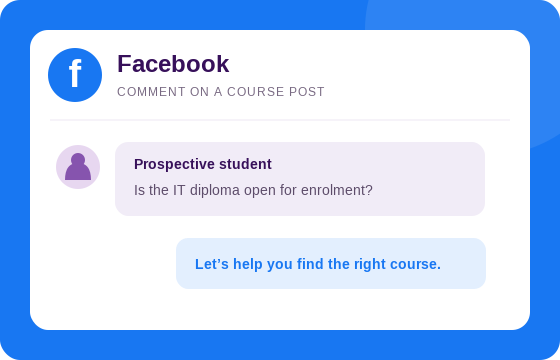
Facebook enquiries
Capture interest expressed in course-post comments or supported messaging channels.
SOCIAL MEDIA LEAD INTEGRATION WITH MOODLE
Meet prospective students where they ask questions. Bring supported social media enquiries into one admissions portal, review each lead and move approved applicants into Moodle.
Discuss your admissions workflowStudents ask about fees, schedules and entry requirements through messages and comments. Give your admissions team a shared view of those enquiries.
Capture interest expressed in course-post comments or supported messaging channels.
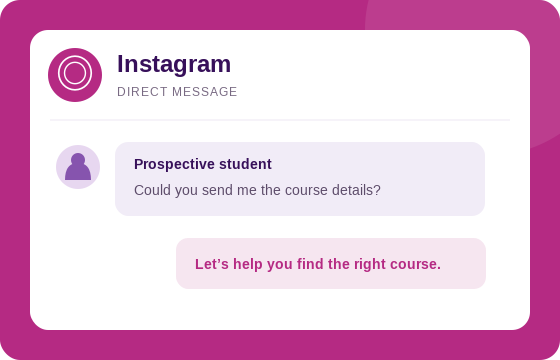
Bring supported direct-message and comment enquiries into your admissions workflow.
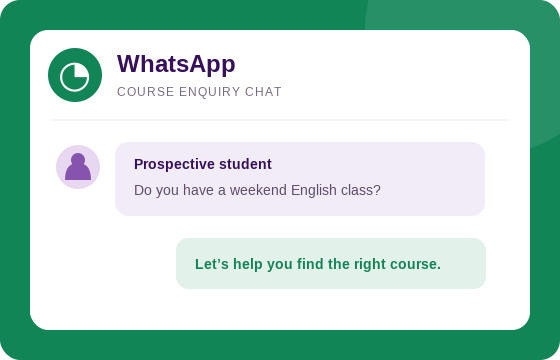
Organise course questions from a supported WhatsApp Business messaging setup.
Illustrative conversations. Channel coverage depends on platform APIs, business-account permissions and the connectors selected for your implementation.
THE CONNECTED ADMISSIONS JOURNEY
Bring together contact details, course interest, conversation context and follow-up status.
Confirm the applicant’s details, course choice, consent and admission requirements before approval.
Create an account for an approved applicant or match an existing Moodle user to avoid duplicates.
Enrol the student in the agreed course once your institution’s admission and payment conditions are met.
TRY THE JOURNEY
Use this sample to explore the approval steps. This demonstration does not connect to social accounts or change Moodle.
“Can I join the next intake?” Review her enquiry to begin.
Organise enquiries by channel, course, assigned staff member and stage. Keep follow-up notes together so applicants do not need to repeat their questions.
A message is an expression of interest. Your team confirms eligibility and required details before creating an account or granting course access.
Match applicants with existing Moodle users using a verified identifier. Review uncertain matches instead of creating duplicate accounts.
Configure course enrolment, cohort placement and welcome instructions to suit your institution’s admissions process and Moodle setup.
Collect only the information needed, explain how it will be used and restrict admissions records to authorised staff.
Record review decisions and synchronisation outcomes. Give staff a way to resolve missing information or failed account and enrolment requests.
Tell us which social channels you use, how you approve applicants and which courses they need to enter. We can scope the supported connectors, lead portal and Moodle integration around your process.
Plan your lead integration